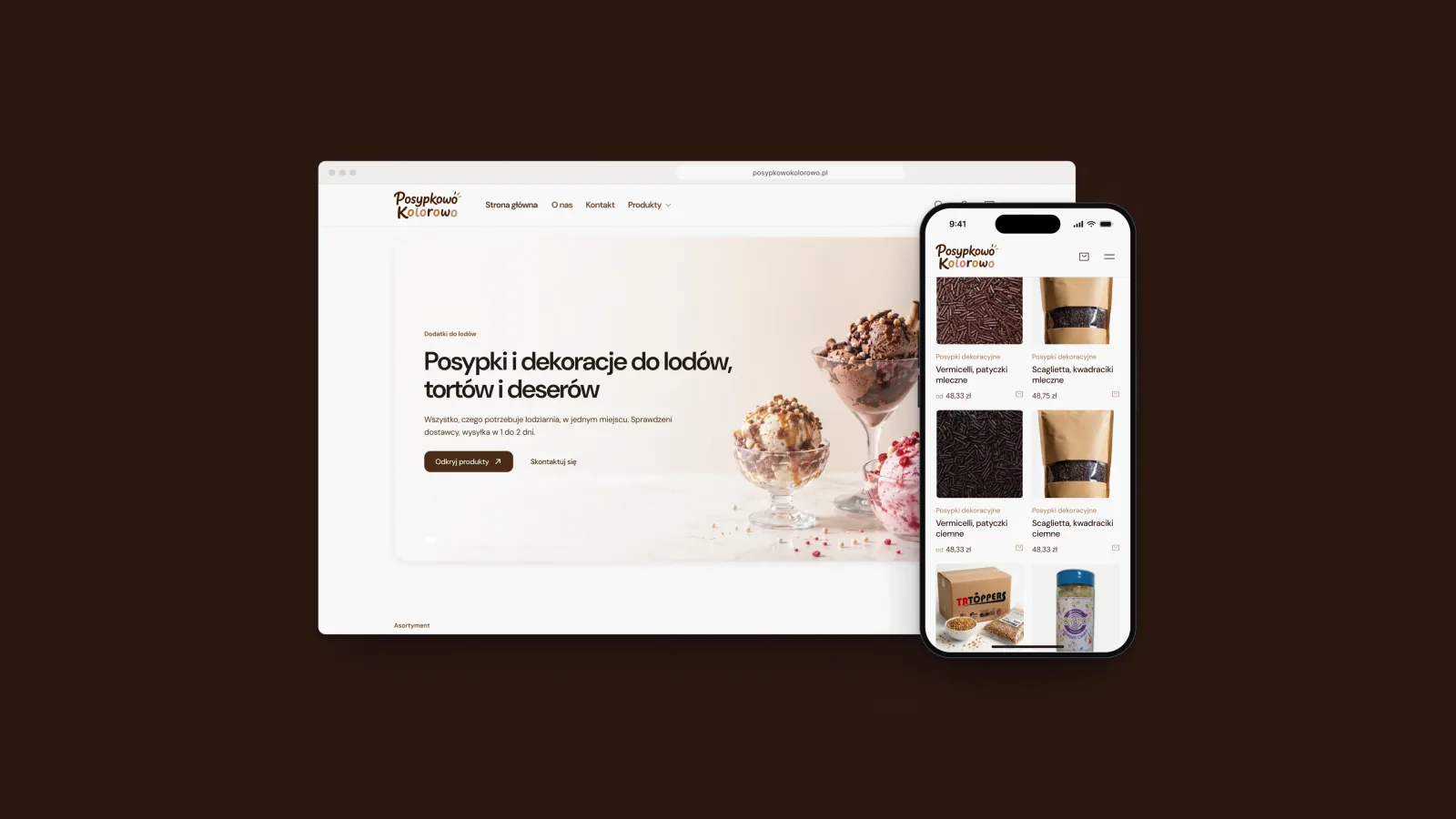
Posypkowo Kolorowo has supplied ice cream parlours with toppings, sauces and decorations since 2006. In the company's online shop a parlour owner sees the price of every pack and orders without writing an e-mail.
Fig. 01The home page, and the catalogue on a phone.
Notes
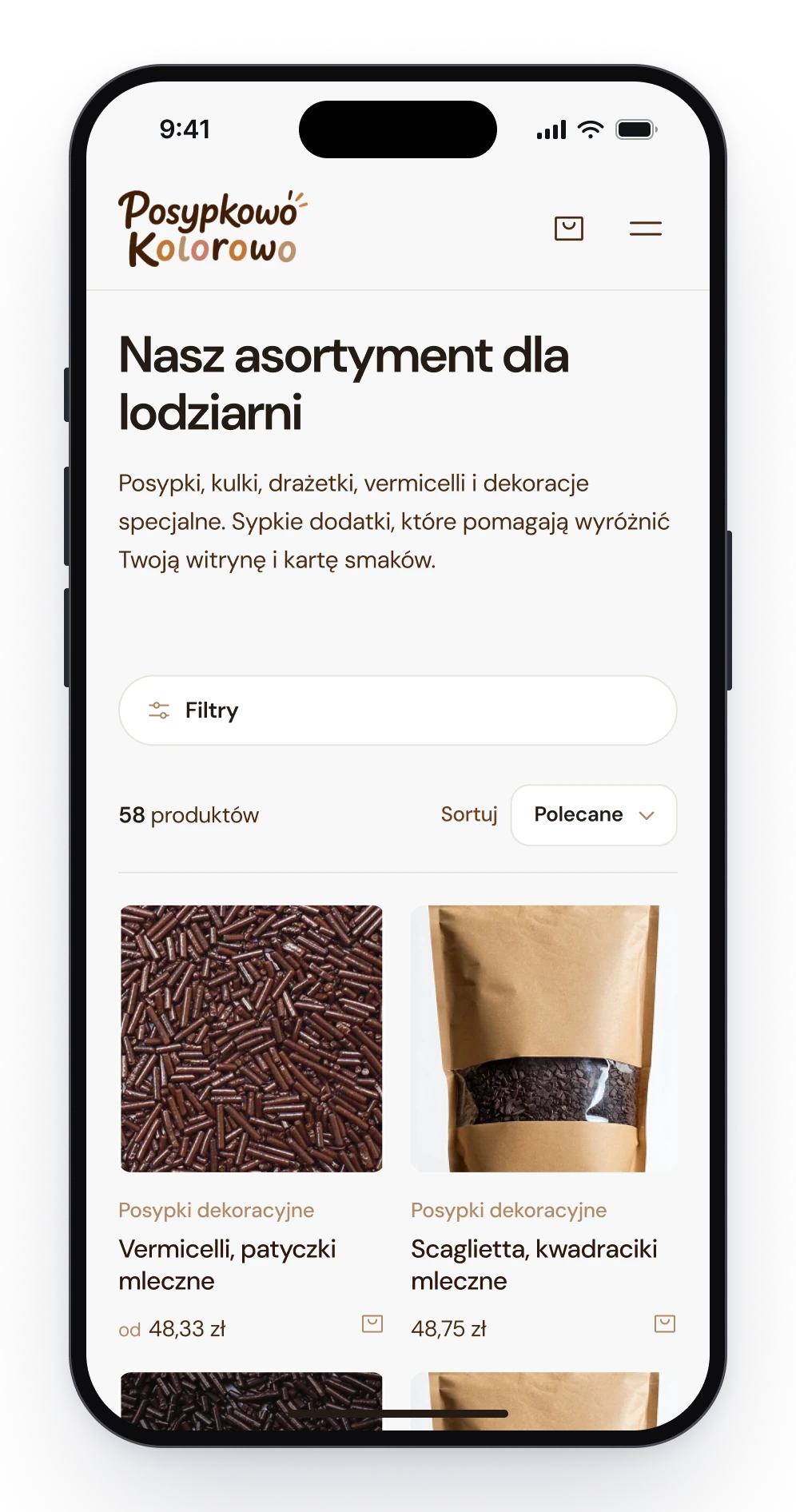
People who order here run a parlour, and they know what they came for. So the catalogue opens straight on products with their prices, each category shows how many items it holds, and a topping can go into the basket right from the list.
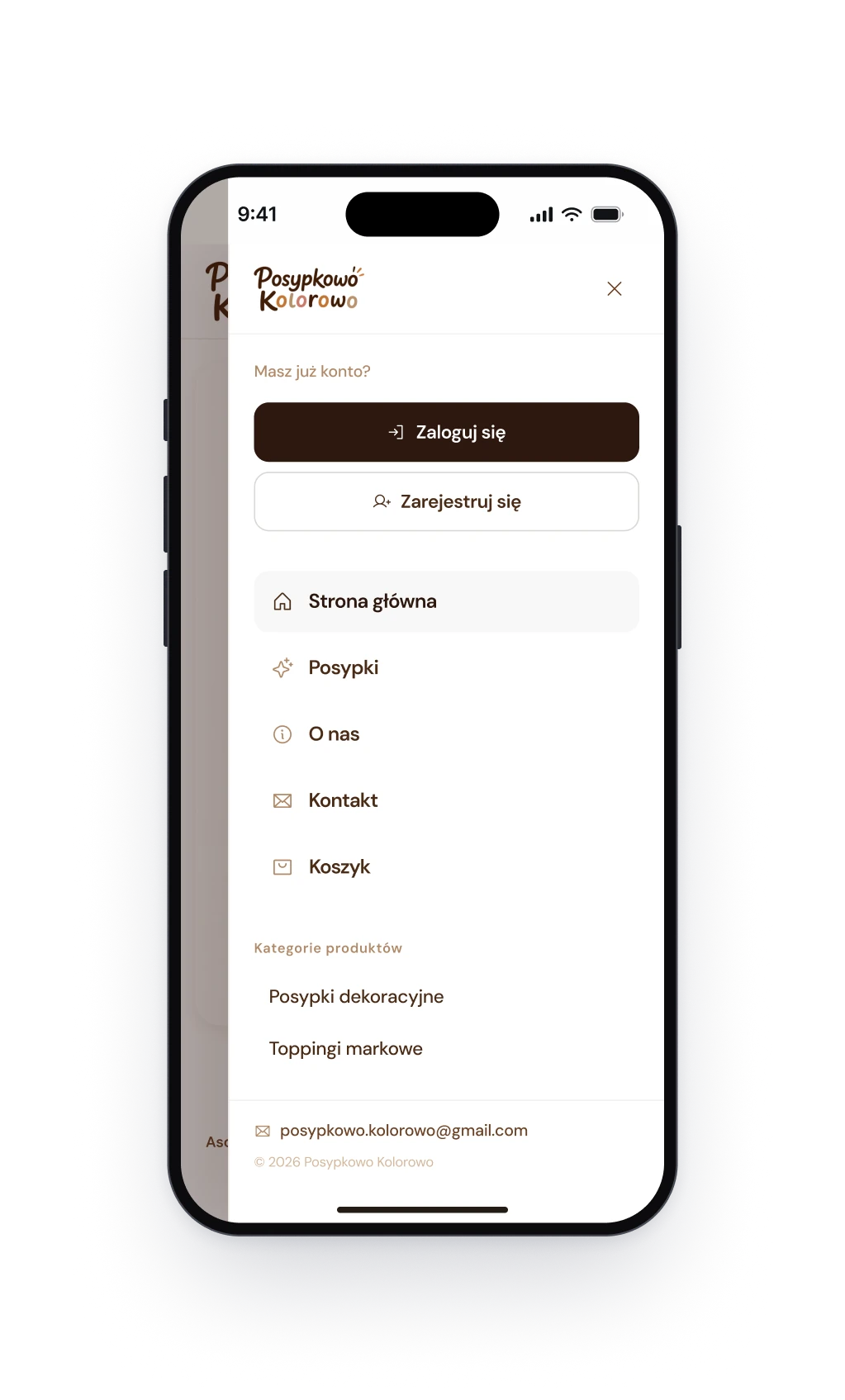
Fig. 02Left: the catalogue with its categories. Right: the menu on a phone.
Design decision
Every price sits on its pack
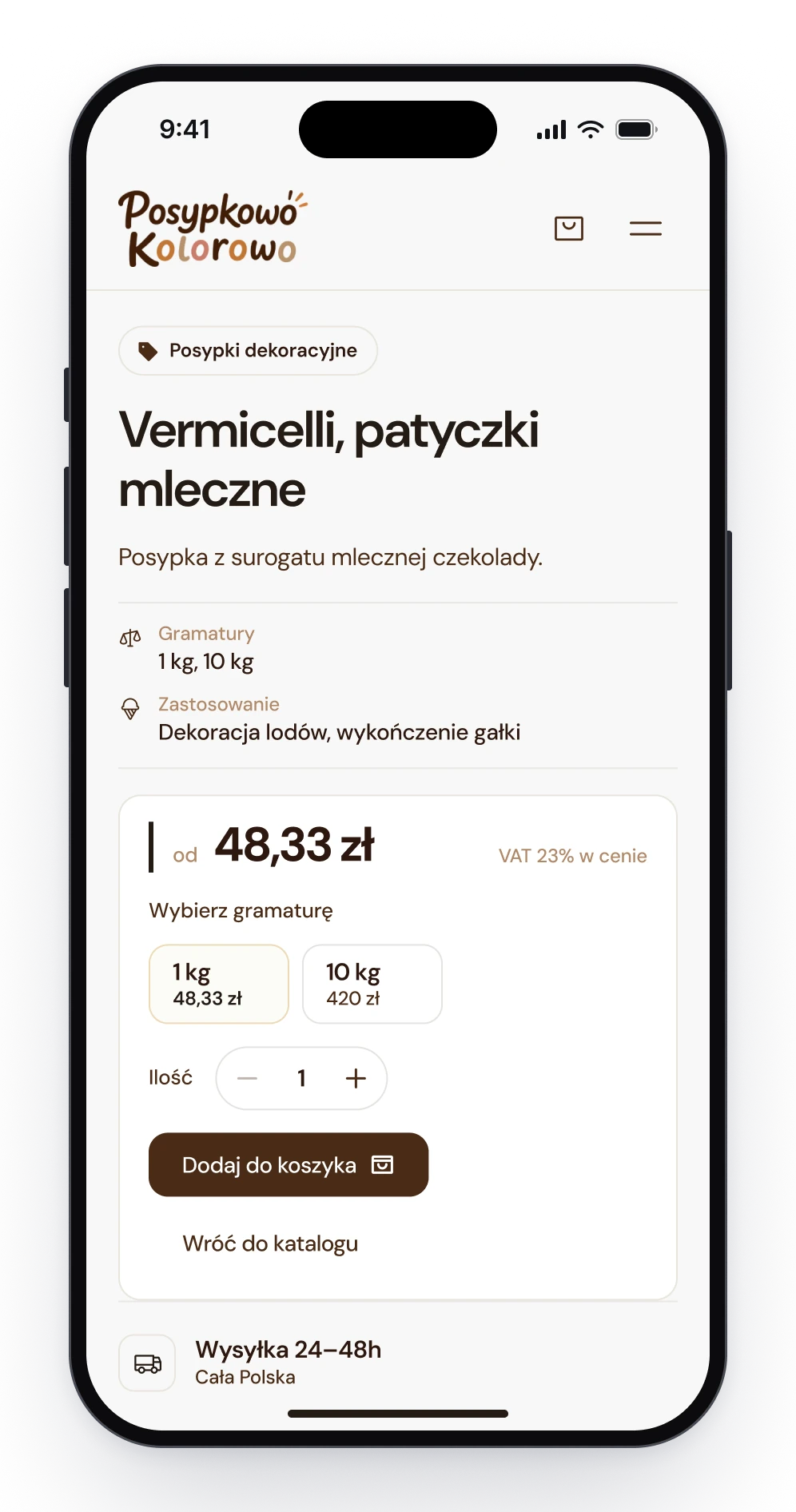
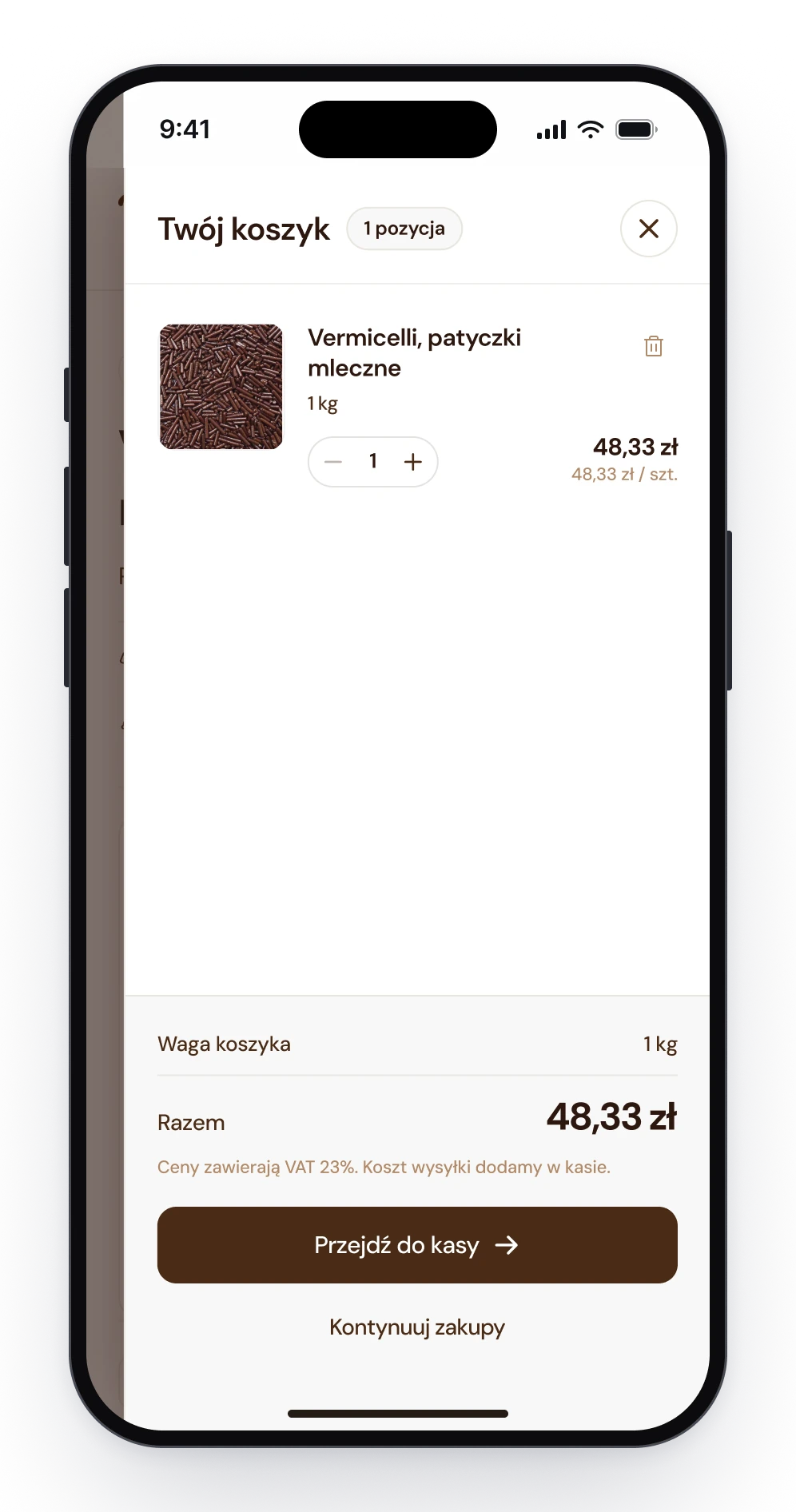
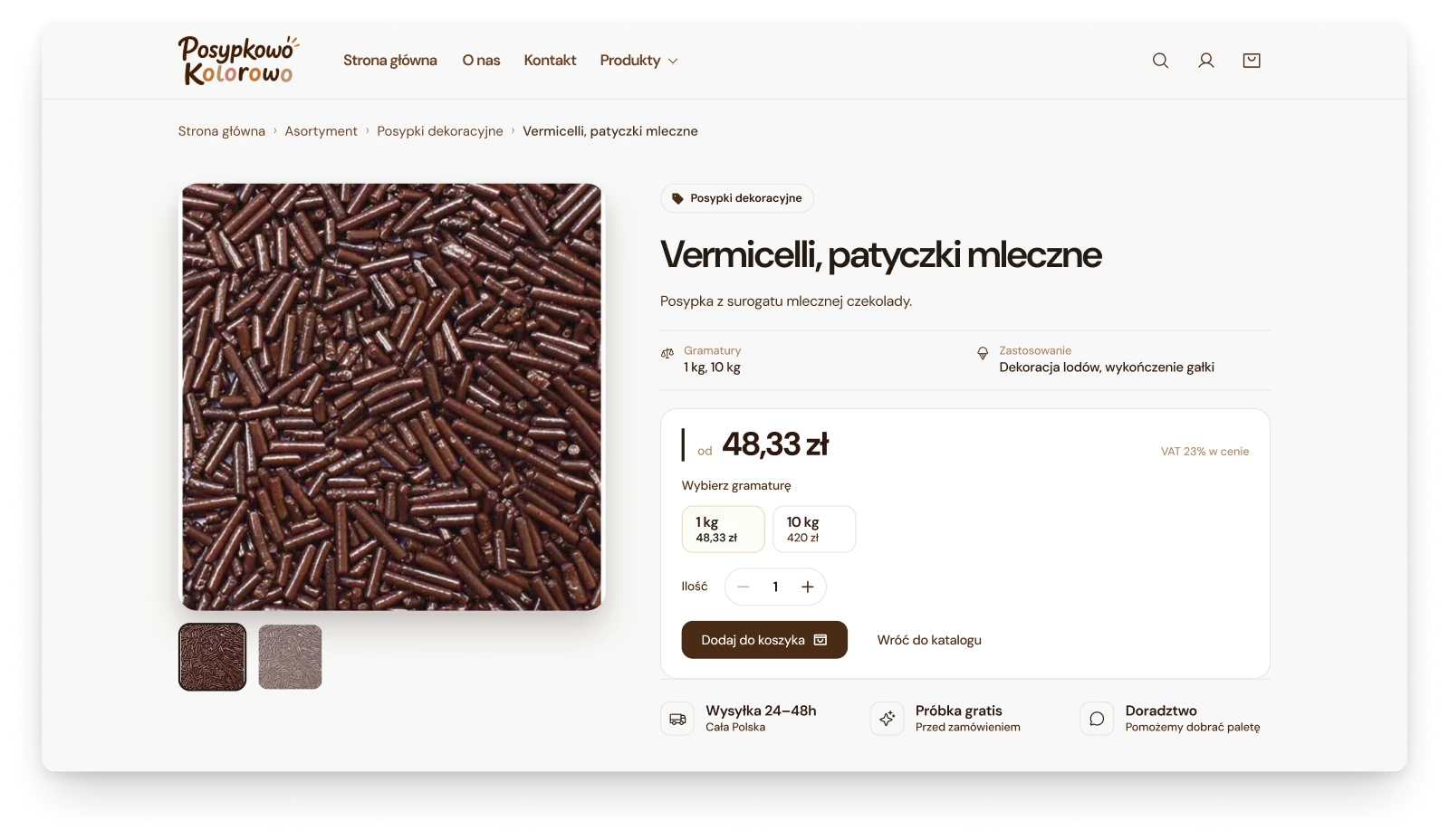
A parlour buys toppings by the kilo or in ten-kilo boxes. So on a product page the pack comes first, and each size shows its price before anything goes into the basket. Next to the total, the basket also shows the weight of the order.
The catalogue shows where each price starts.
A product page: pick a pack, see its price.
The basket sums up the weight and the total.
Process
It started as a catalogue
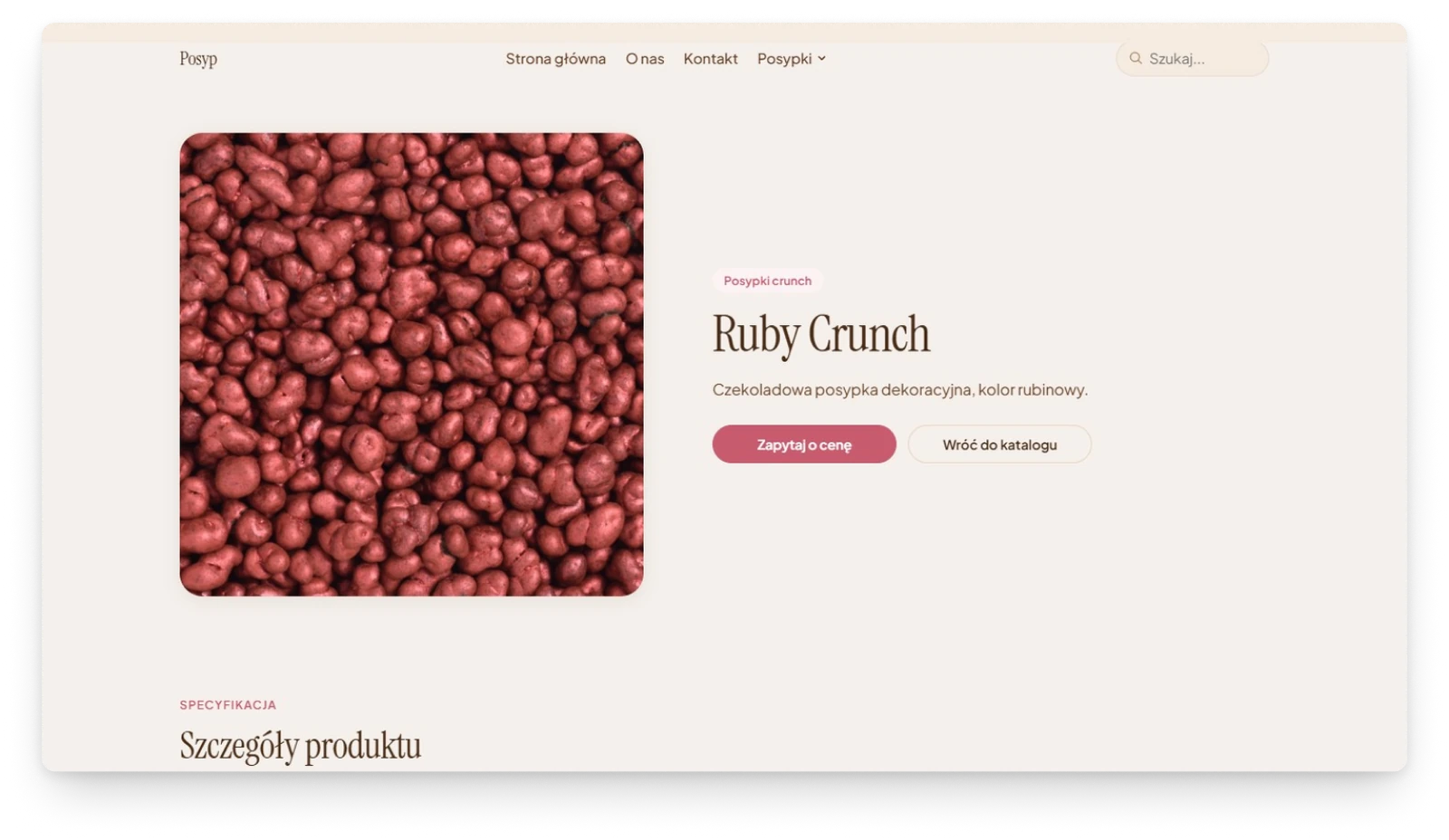
The first version of the site was a catalogue, and a product page had a photograph, a name and one button: “Ask for the price”. To order anything, you had to write and wait for a reply. Now the price of every pack is on the page, and the order goes to a basket instead of an inbox.
Before: one button, ask for the price.
After: the price, the pack and the basket.
Components
One tile wherever a product appears
A product looks the same on the home page, in the catalogue and under another product: its category, its name, its price and a small basket button. Buttons come in pairs. The filled one always moves the order forward, and the other, quieter one takes you back.
A product tile, the pack picker, filters, buttons and checkout fields.
Fig. 03The checkout: one page, with the order summed up beside the form.