Piercing Premium is a piercing studio in Szczecin. I designed its website and built it in Elementor: a home page with six kinds of piercing, the jewellery and the common questions, a price list, a gallery and a contact page.
Fig. 01The home page in a browser window and on a phone.
Notes
A first piercing raises the same questions every time: is it safe, will it hurt, how much does it cost. The home page takes them in that order. The opening screen speaks about sterile tools and safe jewellery, the list of piercings shows finished work, and ten questions cover pain, healing and care. Prices have a page of their own, one click from the first screen. The look is burgundy and warm white with gold details, the palette of a jeweller.
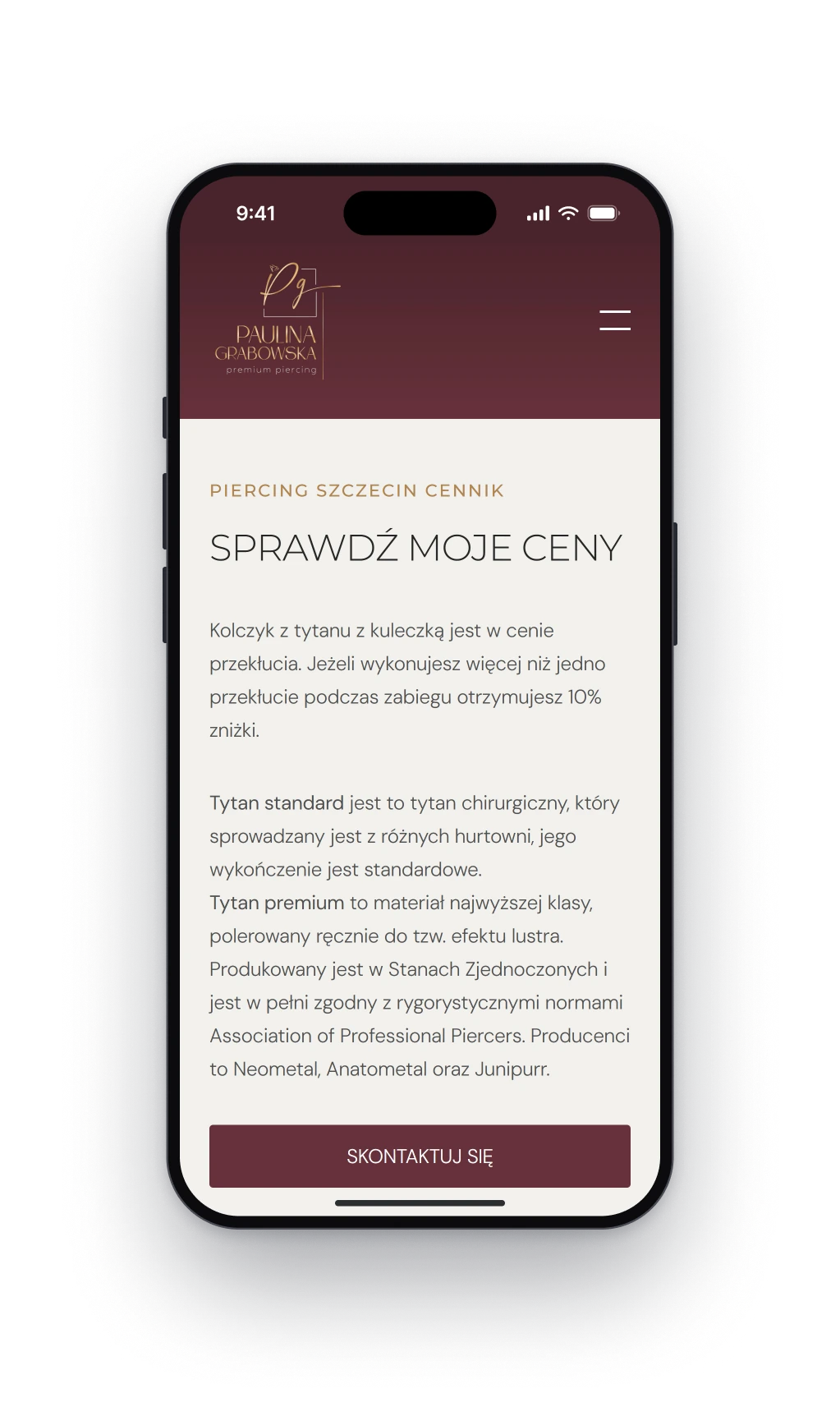
Fig. 02Left: the kinds of piercing as a list, with finished work beside it. Right: the price list page on a phone.
Design decision
An appointment without a form
The studio arranges visits by phone, text message and Instagram, so the site has no booking form to fill in. Both buttons of the first screen return at the end of the home page: one leads to the price list, the other to a contact page with the number, the address, the Instagram profile and the opening hours.
The price list, with a tab for age limits.
The contact page: a number, an address, Instagram.
Fig. 03The common questions in a browser window and on a phone.